Refinance Calculator AU


How to compare an investment-property refinance scenario
Identify the loan purpose and structure
Write down which property or properties secure each loan and what the borrowing is used for. Distinguish an investment loan from a home loan used partly for another purpose. For mixed borrowing, ask the lender or broker how the application should be classified.
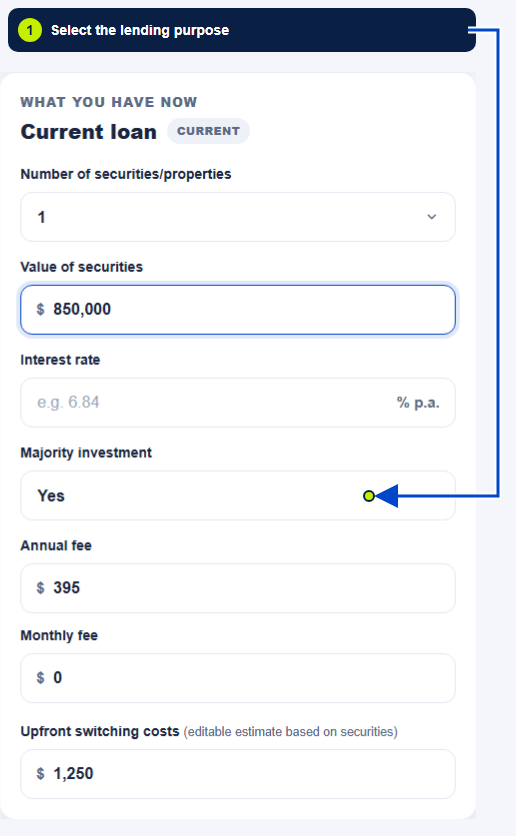
In the main calculator, select Majority investment only when it describes the scenario. The selection changes the illustrative preset; it does not identify every lender product or establish your eligibility. Use a written quoted rate for the comparison.
Include all proposed borrowing in LVR
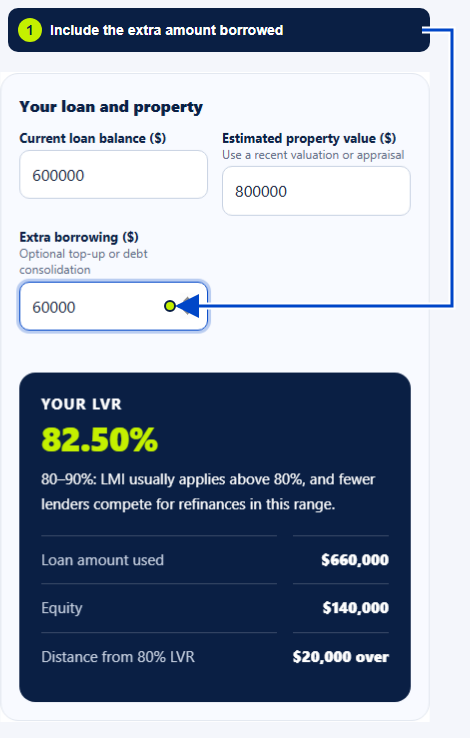
Illustrative example: $600,000 against an $800,000 property is 75% LVR. Adding $60,000 raises the proposed loan to $660,000 and the LVR to 82.5%. That may change the available products or insurance costs. Confirm the actual treatment with the lender.
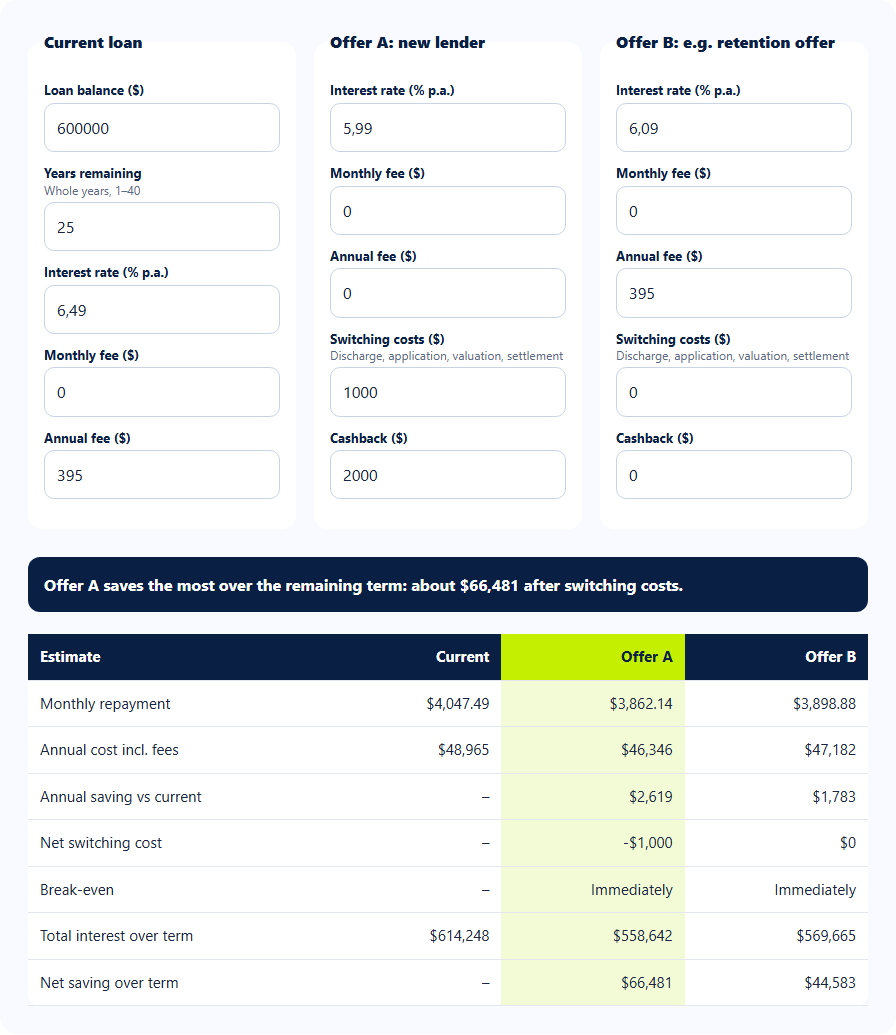
Compare repayments, fees and cash requirements
These calculators model principal-and-interest repayments. They do not model rent, vacancy, tax deductions, interest-only periods, offset balances or the full property cash flow. Keep those items in a separate budget and confirm the repayment structure on the lender schedule.
Confirm assessment and purpose-specific questions
Keep three different questions separate
Do not treat an equity figure as cash already available to spend. Compare the higher debt and repayment commitment before deciding whether a top-up serves your plans.
Sources and calculator limits
Continue exploring
Where will your next move take you?
Calculators and practical guides
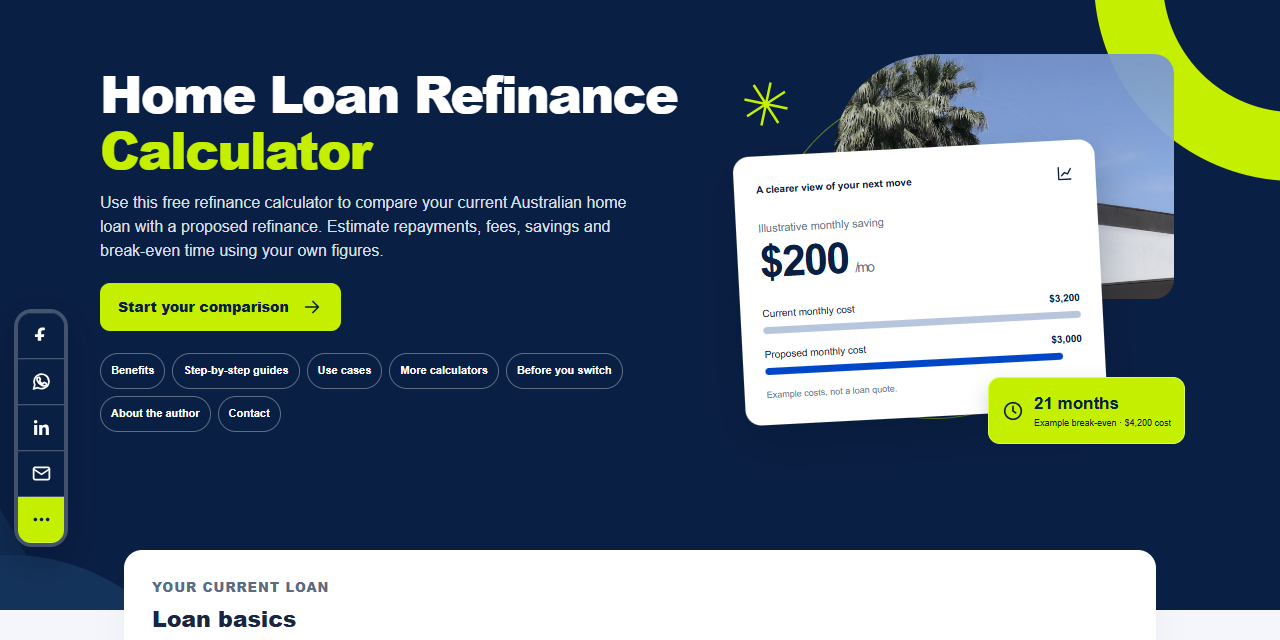
Compare your current loan with a new loan, including repayments, fees and payoff time.

Work out your loan-to-value ratio, equity and distance from 80% LVR.
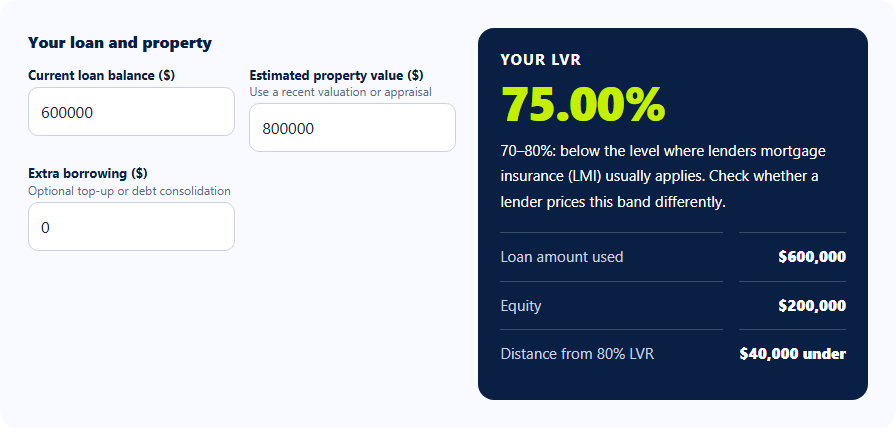

Estimate your usable equity and the loan amount at your chosen LVR.
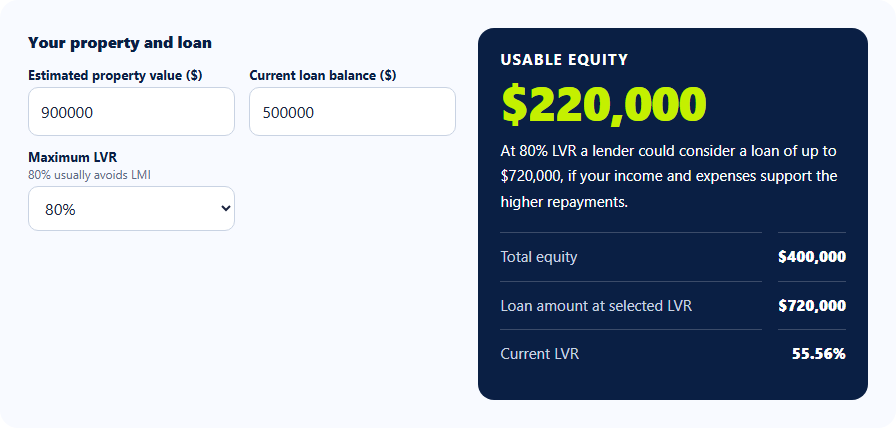

Compare two offers against your current loan, including fees and cashback.

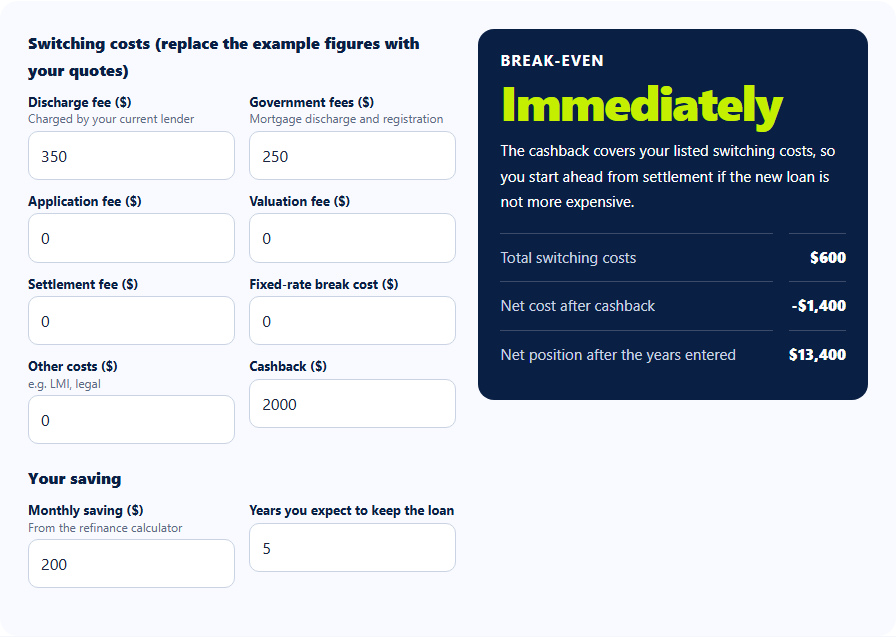
Add up switching costs and estimate how long your savings take to cover them.