Refinance Calculator AU
Start with the full comparison
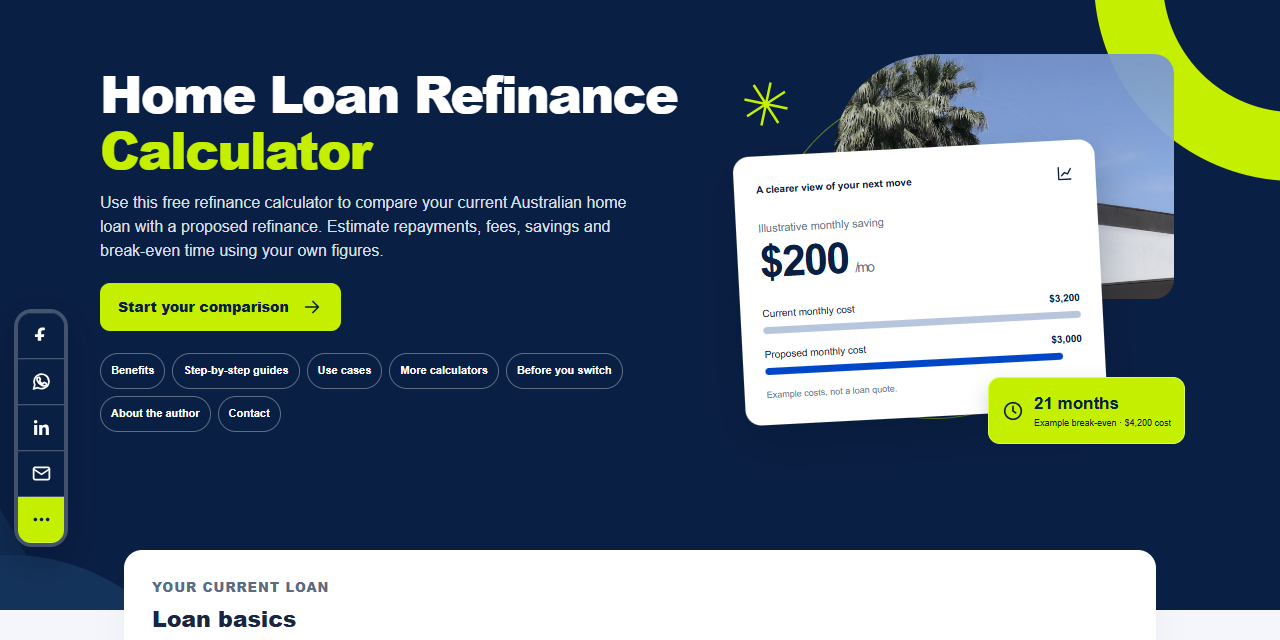
Home loan refinance calculator
Could a different home loan cost me less?
Start here if you want an overall comparison of your current home loan and a proposed refinance.
Five tools. One clearer comparison.
Choose the calculation that answers your next question. Compare repayments, offers, equity and switching costs using your own figures.
What would you like to understand?
Free to use. No account needed to calculate.
Choose your starting point
Each preview below shows the actual tool. Start with the full loan comparison, or choose a focused calculator for one part of the decision.
Home loan refinance calculator
Start here if you want an overall comparison of your current home loan and a proposed refinance.
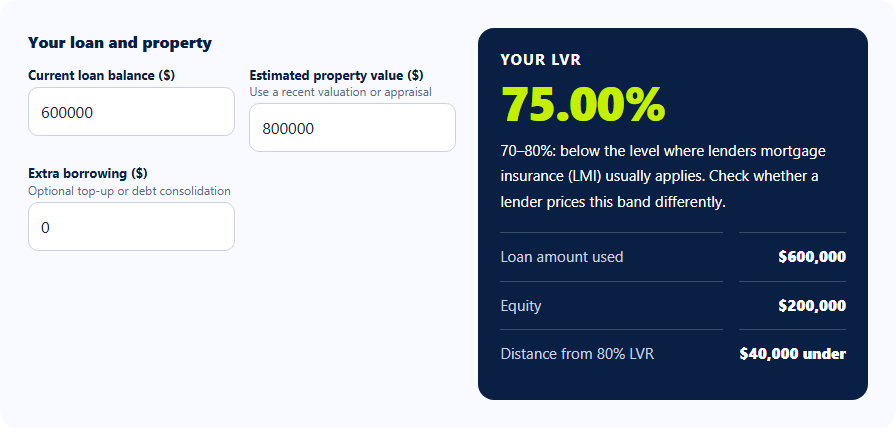
Refinance LVR calculator
Use this before comparing a product with an LVR condition. The lender may use a different valuation.
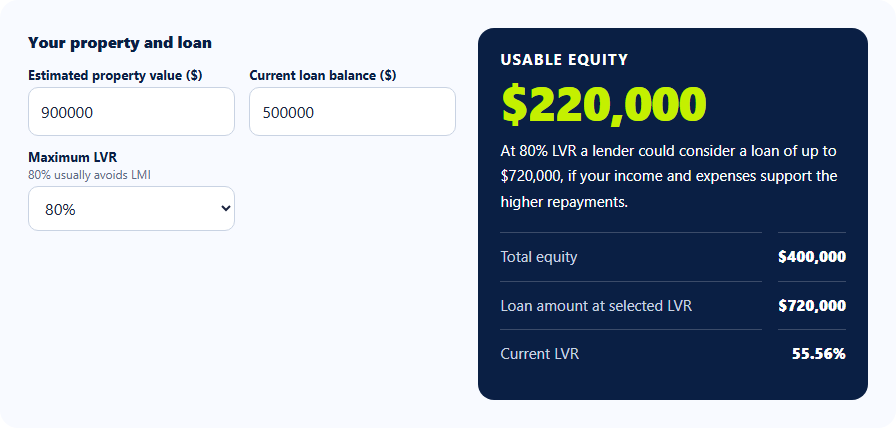
How much can I refinance?
Use this to explore the relationship between value and debt. The result is not a loan approval or cash already available.
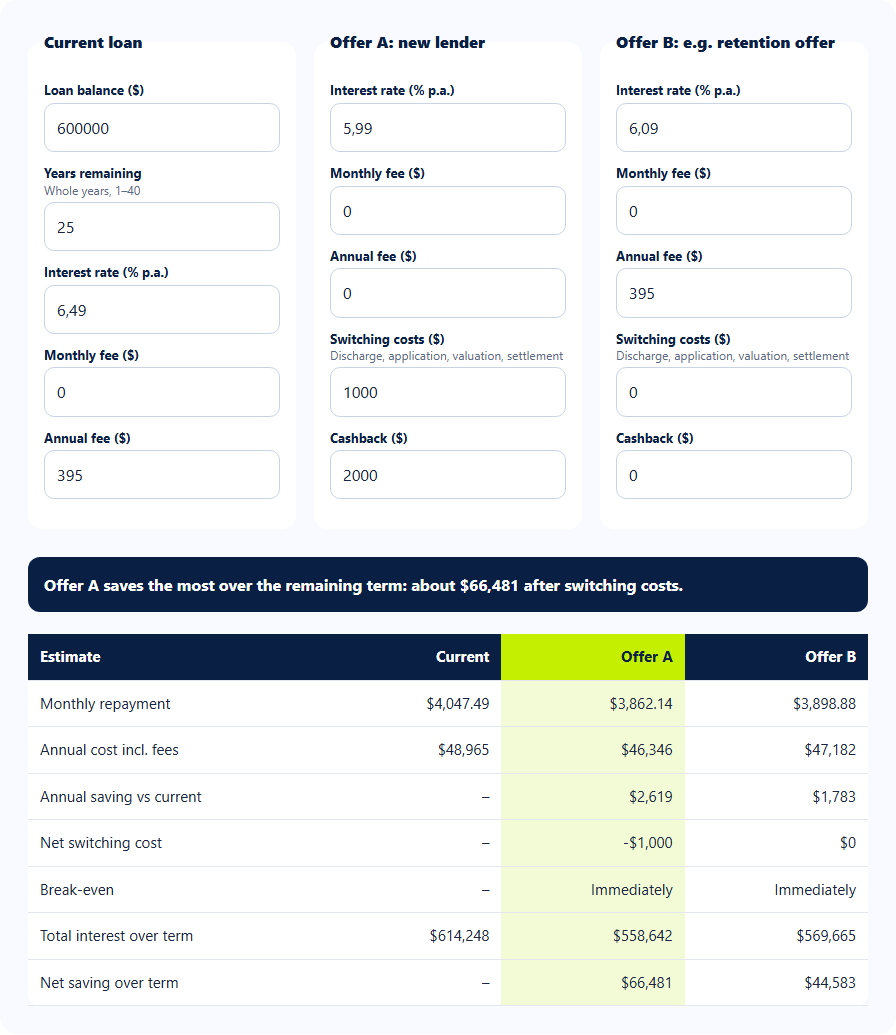
Compare two refinance offers
Use this when you have two quotes, including a retention offer from your current lender. Review features separately.
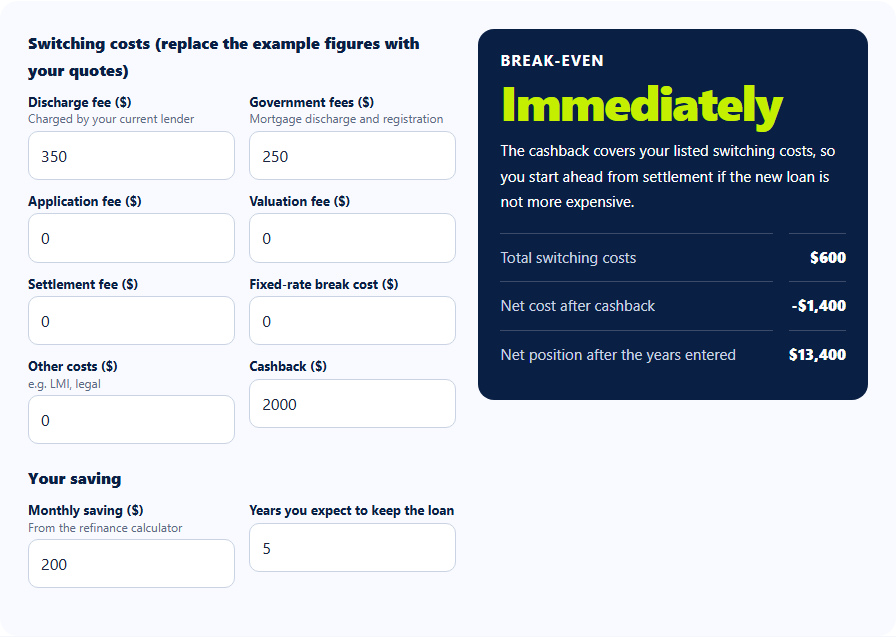
Refinance costs and break-even
Use this once you have a monthly saving estimate. It assumes that saving stays constant and does not automatically amortise financed fees.
Connect the results
A useful estimate starts with good inputs
Use the balance you still owe, the years remaining, the actual rate offered and each fee’s frequency. Replace the tools’ illustrative defaults. If you are testing a different borrowing amount, keep that change visible when you compare repayments.
The main repayment tools model principal-and-interest loans using constant rates. They do not model changing offset balances, interest-only periods, tax outcomes or lender-specific fixed-rate break costs.
Understand the answer
The guide library explains the calculations with Australian home loan examples, annotated screenshots and questions to ask before switching.
Continue exploring
Compare your current loan with a new loan, including repayments, fees and payoff time.
Work out your loan-to-value ratio, equity and distance from 80% LVR.
Estimate your usable equity and the loan amount at your chosen LVR.
Compare two offers against your current loan, including fees and cashback.
Add up switching costs and estimate how long your savings take to cover them.